


Access the Beta Version Guides

Be among the first to explore new features.
Check out the Beta guide and start your journey today!



For advanced users and automation workflows, we provide a basic command-line utility that lets you encrypt and decrypt files directly from the terminal. This lightweight tool is ideal for scripting, CI/CD pipelines, and environments without a graphical interface.
axcryptcli --passphrase [password] --encrypt installLog.txt
decrypt – Decrypt previously encrypted files when access is required
axcryptcli --passphrase [password] --decrypt installLog.txt
Note: This basic version focuses on core encryption and decryption functionality only.

for easy access and smoother functionality.

with the latest encryption protocols to protect your data.

for an intuitive and efficient user experience.
Be among the first to explore new features.
Check out the Beta guide and start your journey today!
Your feedback is crucial for improving AxCrypt. Share your thoughts, report bugs, or suggest features by completing the feedback form.
You can also reach out to our support team for any additional suggestions or assistance.

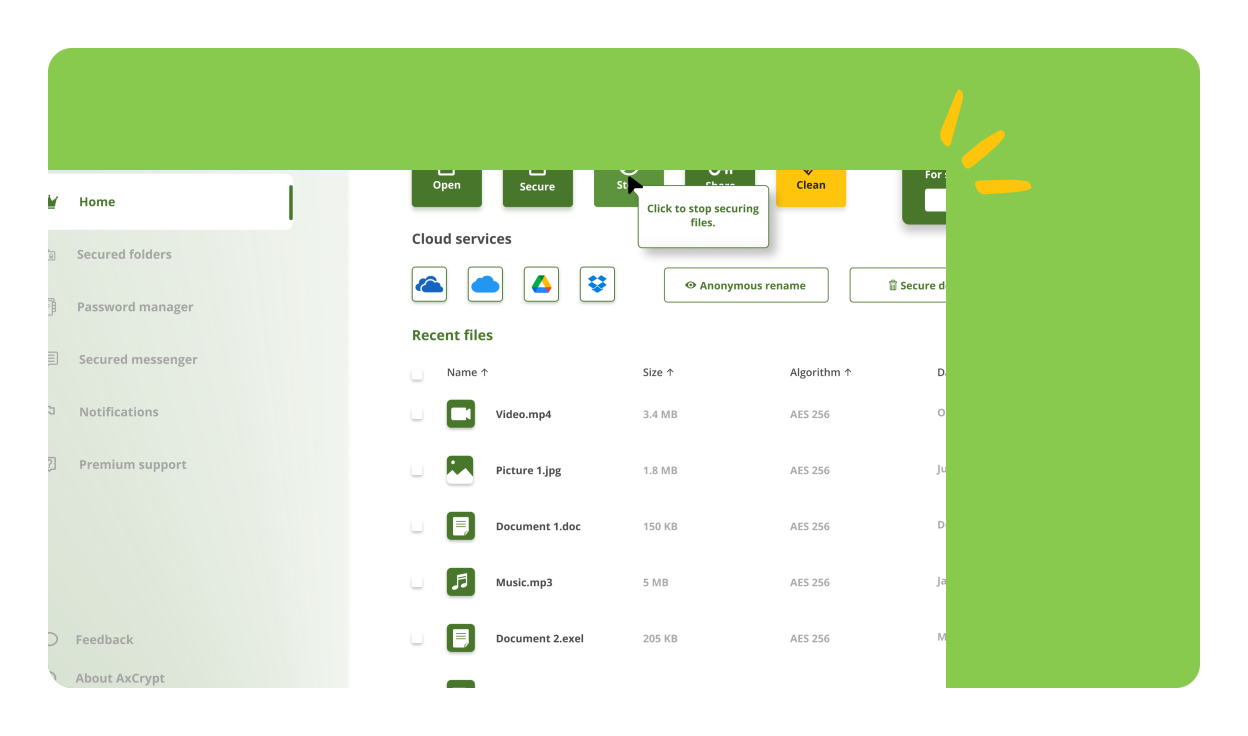
We are excited to introduce a new update for AxCrypt on Windows, macOS and Android, packed with improvements and new features to enhance your encryption experience. Here's what's new in this release:
A completely redesigned user interface for a more modern, intuitive, and streamlined experience.
Introducing an integrated Password Manager to securely store and manage your passwords directly within AxCrypt. Quick access to your passwords with an easy-to-use interface and improved search functionality.
AxCrypt now runs on the latest version of the .NET Framework, ensuring better performance, stability, and compatibility with newer Windows versions. Improved support for modern Windows features and optimizations for enhanced reliability.
Fixed several minor bugs that improved overall stability. Performance enhancements for faster encryption and decryption processes.
This is a list of cryptographic hashes of published files that can be used to verify downloads.
d2f68f6db42d03ce886bc24b89e6208d512980efa574b42c43e357c768eb014b
c6182ac994b5cf4f0312ba8a41fbd61f6dc6092c38917053a8c2da5931c88068
c774a72cc9b76dd5a40a0936c3a133df611371054a582061ed3c19dc02e49853
We prioritize your privacy. All feedback and data during this beta trial will be handled securely and confidentially.